

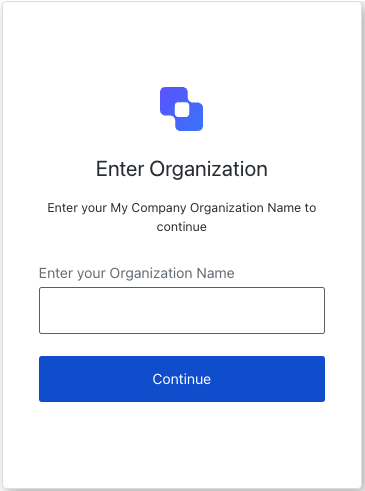
organization-selection screen functionality. This screen allows users to select an organization to continue with.
Constructors
Create an instance of OrganizationSelection screen manager:Example
Properties
Provides branding-related configurations, such as branding theme and settings.
Provides client-related configurations, such as
id, name, and logoUrl, for the organization-selection screen.Provides country code data for phone number entry, such as
available and recommended, for the organization-selection screen.Provides information about the user’s Organization, such as
id and name.Contains data about the current prompt in the authentication flow.
Contains details specific to the
organization-selection screen, including its configuration and context.Contains data related to the tenant, such as
id and associated metadata.Provides transaction-specific data for the
organization-selection screen, such as active identifiers and flow states.Handles untrusted data passed to the SDK, such as user input during the organization selection flow.
Details of the active user, including
username, email, and roles.Methods
Promise<void>
This method changes the display language of the Universal Login page.Method Parameters
Example
Promise<void>
This method continues with the selected organization name.Method Parameters
Example