

Auth0 Dashboard
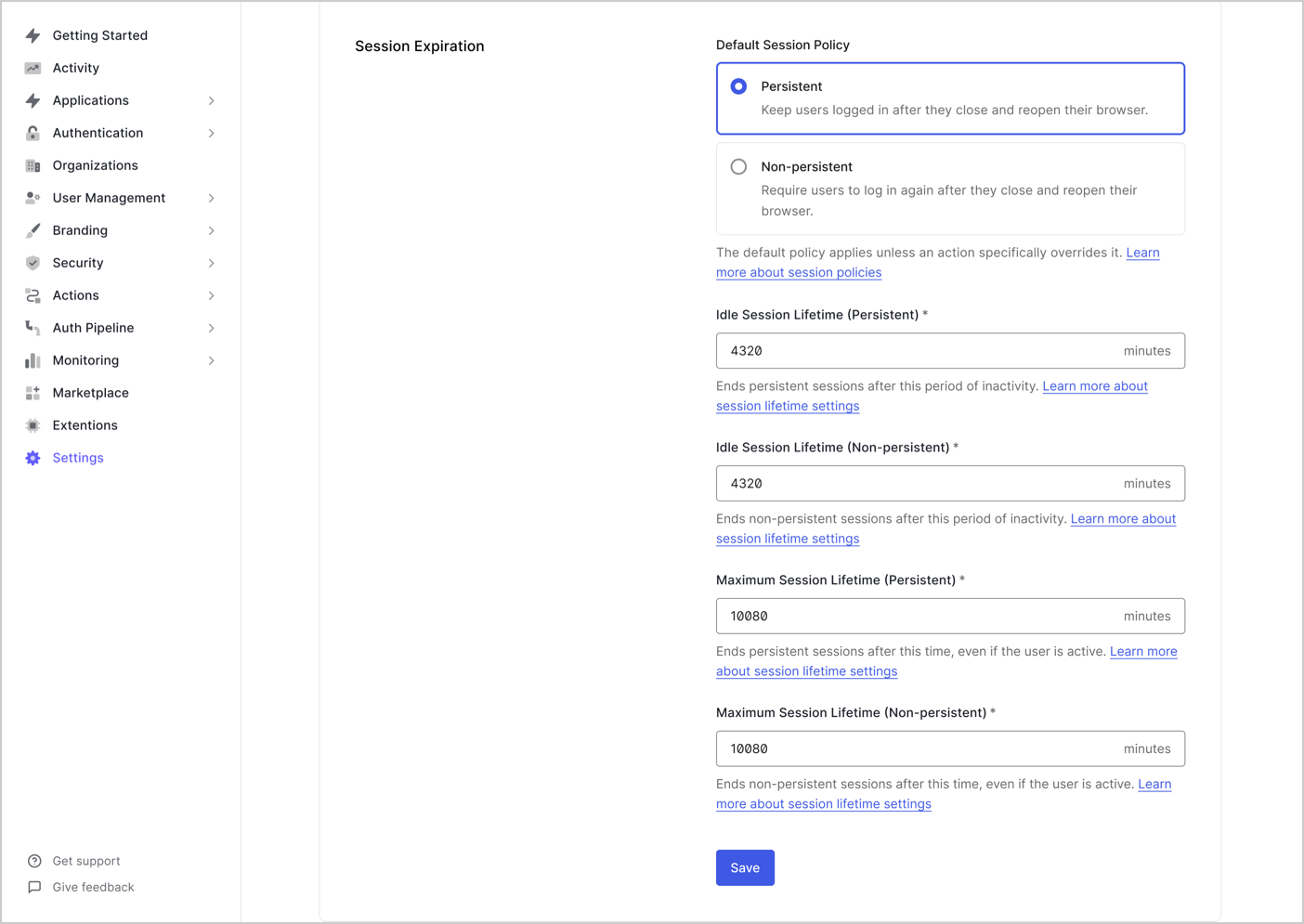
To configure the session lifetime using Auth0 Dashboard:- Navigate to Dashboard > Tenant Settings and select the Advanced view.
- Under Session Expiration, you can configure:
Auth0 Management API
To configure the session lifetime using the Auth0 Management API:Calls to the
/api/v2/tenants/settings endpoint require a Management API access token with the update:tenant_settings scope.PATCH request to the /api/v2/tenants/settings endpoint:
- Auth0 CLI
- cURL
Using the Auth0 CLI? If you haven’t already, set up and authenticate your CLI session before running this command.
Auth0 Post-Login Actions
You can configure session behavior dynamically usingapi.session methods with a post-login Action. This allows you to override default tenant session settings on a per-login basis, based on user or context-specific logic.
Use cases include:
- Shortening timeouts for high-risk logins
- Extending timeouts for trusted users or organizations
- Adjusting cookie persistence based on application type
api.session methods available to configure session lifetimes are:
-
api.session.setExpiresAt -
api.session.setIdleExpiresAt -
api.session.setCookieMode
The
api.session methods only apply to the current session and must be called during the login transaction. These methods require that the event property event.session.id is available.